

ACTIVATE ON WINDOWS 10
Web browser
- Load a web browser and visit the following address: https://redeem.microsoft.com/enter
- Sign in with your Microsoft account credentials.
- Enter the unique code you received in your email and follow the instructions to activate it. If you need more help with your Xbox Live account, visit the following address: https://support.xbox.com/en-US/contact-us

Xbox App
- Download the Xbox app on your Windows PC.
- Sign in to the Microsoft account you want to redeem the code with.
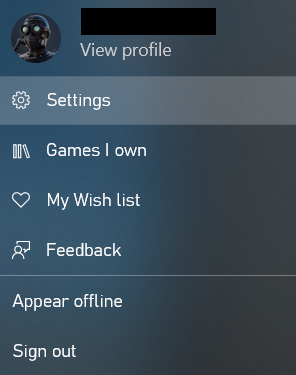
- Select your gamerpic in the top right corner and click “Settings.”
- Select “Redeem” under “Redeem a code.”
- Enter the unique code you received in your email and follow the prompts to activate it.

Microsoft Store
- Open the Microsoft Store app on your Windows PC.
- Click on the three dots in the top right corner of the app.
- Select “Redeem a code.”
- Enter the unique code you received in your email and follow the prompts to activate it.

